Introduction to Glassmorphism
In recent years, glassmorphism has emerged as a captivating design trend in UI/UX. Characterized by its frosted glass-like effect, this style adds depth and elegance to interfaces, making them visually appealing and user-friendly. If you're looking to create a glassmorphism template, you're in the right place. This guide will walk you through the essential steps, tools, and tips to design stunning templates that stand out.
What is Glassmorphism?
Before diving into the creation process, let’s clarify what glassmorphism entails:
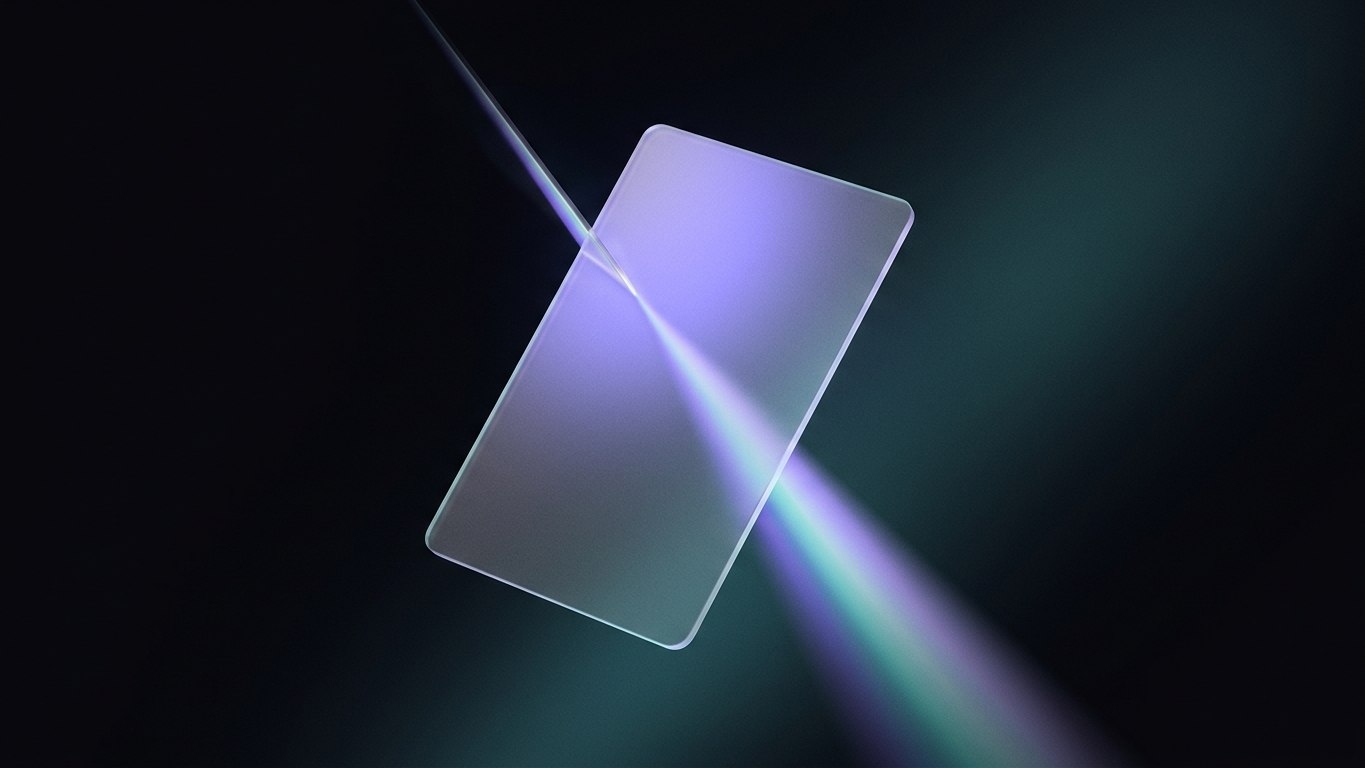
- Frosted Glass Effect: The primary feature is the blurred background, resembling frosted glass.
- Transparency: Elements are semi-transparent, allowing the background to show through.
- Vibrant Colors: Bright colors and gradients enhance the visual appeal.
- Depth and Shadows: Subtle shadows create a layered effect, adding depth to the design.
By understanding these characteristics, you can effectively incorporate them into your designs.
Step-by-Step Guide to Creating a Glassmorphism Template
Creating a glassmorphism template involves several steps. Here’s a detailed breakdown:
1. Choose Your Design Tool
First, select a design tool that suits your style. Popular options include:
- Figma: Great for collaborative design.
- Adobe XD: Excellent for prototyping.
- Sketch: Ideal for Mac users.
- Canva: User-friendly for beginners.
2. Set Up Your Canvas
- Dimensions: Start with a standard size for your template, such as 1440x1024 pixels for web or 1080x1920 pixels for mobile.
- Background: Use a vibrant, colorful background to enhance the glass effect. Gradients work particularly well here.
3. Create the Glassmorphism Effect
To achieve the glassmorphism effect, follow these steps:
- Shape Creation: Draw a rectangle or any shape that will serve as your glass element.
- Color and Opacity: Fill the shape with a white or light color and set the opacity between 20-40%.
- Blur Effect: Apply a Gaussian blur (10-20px) to the shape to create the frosted glass look.
- Border: Add a subtle border with a slightly darker color to enhance the glass effect.
- Shadow: Add a drop shadow to give depth. Use a soft shadow with low opacity.
4. Add UI Elements
Now that you have your glassmorphism background, it’s time to add UI elements:
- Buttons: Create buttons with rounded corners, using the same glassmorphism style.
- Text: Use contrasting colors for text to ensure readability. White or dark colors work well against the frosted background.
- Icons: Incorporate icons that match the overall aesthetic. Consider using line icons for a modern touch.
5. Test and Iterate
Once your design is complete, it’s crucial to test it:
- User Feedback: Share your template with peers or potential users to gather feedback.
- Adjustments: Make necessary adjustments based on the feedback to improve usability and aesthetics.
6. Export and Share
After finalizing your design:
- Export: Save your template in various formats (e.g., PNG, SVG) for different uses.
- Share: Consider uploading your glassmorphism template to platforms like NyxMarket, where others can benefit from your design.
Tools to Enhance Your Glassmorphism Template
While creating your glassmorphism template, you may want to utilize additional tools to enhance your design:
- Color Palettes: Use tools like Coolors or Adobe Color to find vibrant color combinations.
- Icon Libraries: Websites like Flaticon or IconFinder offer a wide range of icons to complement your design.
- Fonts: Choose modern, clean fonts from platforms like Google Fonts or Adobe Fonts to maintain a sleek look.
Examples of Glassmorphism Templates
To inspire your design process, here are some examples of stunning glassmorphism templates:
- Dashboard Templates: Many modern dashboards utilize glassmorphism for cards and sidebars, providing a sleek interface.
- Landing Pages: Websites featuring glassmorphism often highlight key information in frosted glass sections, enhancing user engagement.
- Mobile Apps: Many mobile applications adopt this style for menus and settings, making them visually appealing and easy to navigate.
Conclusion
Creating a glassmorphism template can elevate your design projects and captivate users with its modern aesthetic. By following the steps outlined in this guide, you can craft beautiful templates that showcase your design skills.
If you're looking for inspiration or ready-made assets, check out NyxMarket's catalog of templates, tools, and fonts tailored for glassmorphism and other trendy design styles. Happy designing!